Which tote bag printing method should you use?
Use the number of colors in your logo as the first filter: one to a few solid colors points to screen printing, many colors or a photo points to heat transfer or full-color print, and a small logo that should feel premium points to embroidery.
| Method | Suits | Relative cost | Works on |
|---|---|---|---|
| Screen printing | Logos and text in one to a few solid colors | Lowest for simple logos; rises with each color | Non-woven |
| Heat transfer | Multi-color logos, gradients, fine detail | More than a one-color screen print; colors add little | Ask us for your fabric |
| Embroidery | Small, simple logos with a premium finish | Usually the highest per bag | Ask us for your fabric |
| Full-color print | Photos and edge-to-edge artwork | Laminated fabric costs more than plain non-woven | Laminated non-woven |
How does the printing method change the price?
Screen printing is priced by color: each extra color adds a screen and a print pass, so a one-color logo is the cheapest way to brand a bag. Heat transfer costs more than a one-color screen print, but the number of colors matters much less, so it often works out better for detailed multi-color logos.
Embroidery is usually the most expensive per bag; its price follows the logo size and stitch count. Full-color printing needs laminated fabric, which costs more than plain non-woven, and is the right choice when a design has too many colors for screens.
Print size and the number of printed faces add cost with every method. The sample price tables on this site assume a one-color screen print on one side for non-woven bags and full-color film for laminated bags; see them on the quote page, and the bag shapes on custom bags with logo.
How does each tote bag printing method work?
Screen printing
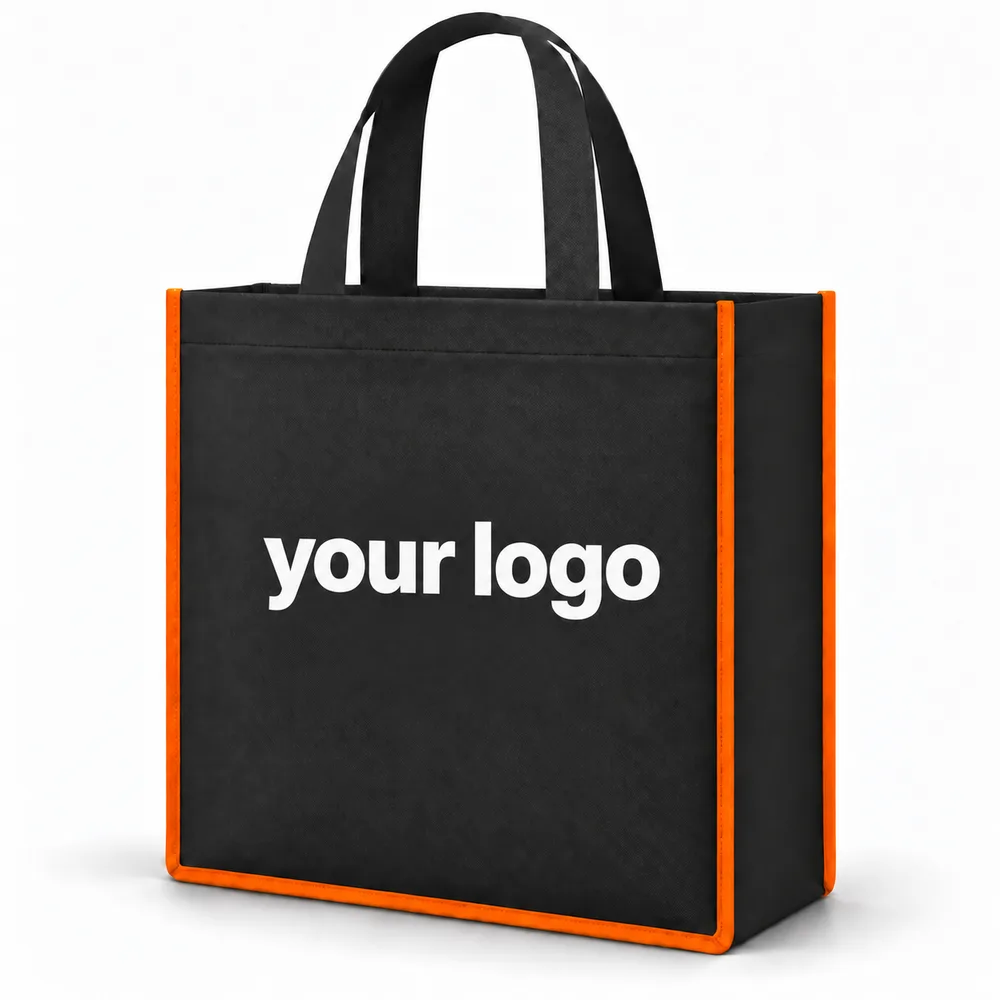
A mesh screen is made for each color of the logo, and ink is pushed through it onto the bag one color at a time. It gives solid, opaque color and is the standard method for non-woven bags. It suits logos and text in one to a few solid colors, not photos or smooth gradients. Files: vector artwork (PDF or AI) with fonts converted to outlines, plus a Pantone code for each ink if you have them.
Heat transfer
The design is printed onto transfer film first, then pressed onto the bag with heat and pressure. Because the film is printed in one go, extra colors add little to the cost. It suits multi-color logos, gradients and fine detail on a limited print area. Files: a high-resolution PNG or JPG, or a vector PDF or AI file, at the size it will be printed.
Embroidery
The logo is stitched into the bag with colored thread on an embroidery machine. The result is raised and textured. It suits small, simple logos where a premium finish matters, such as merchandise and gifts; very fine lines and tiny text are hard to stitch. Files: vector artwork works best; the stitch file is made from it.
Full-color print on laminated fabric
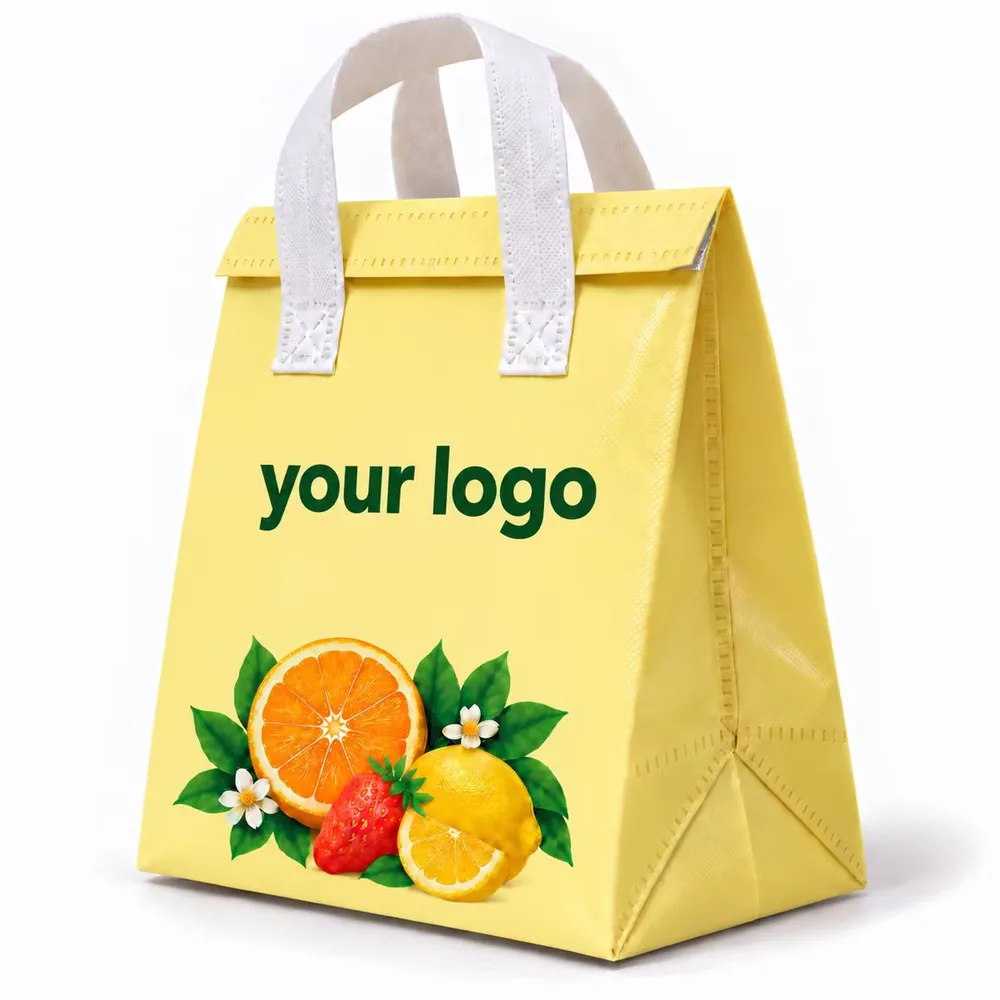
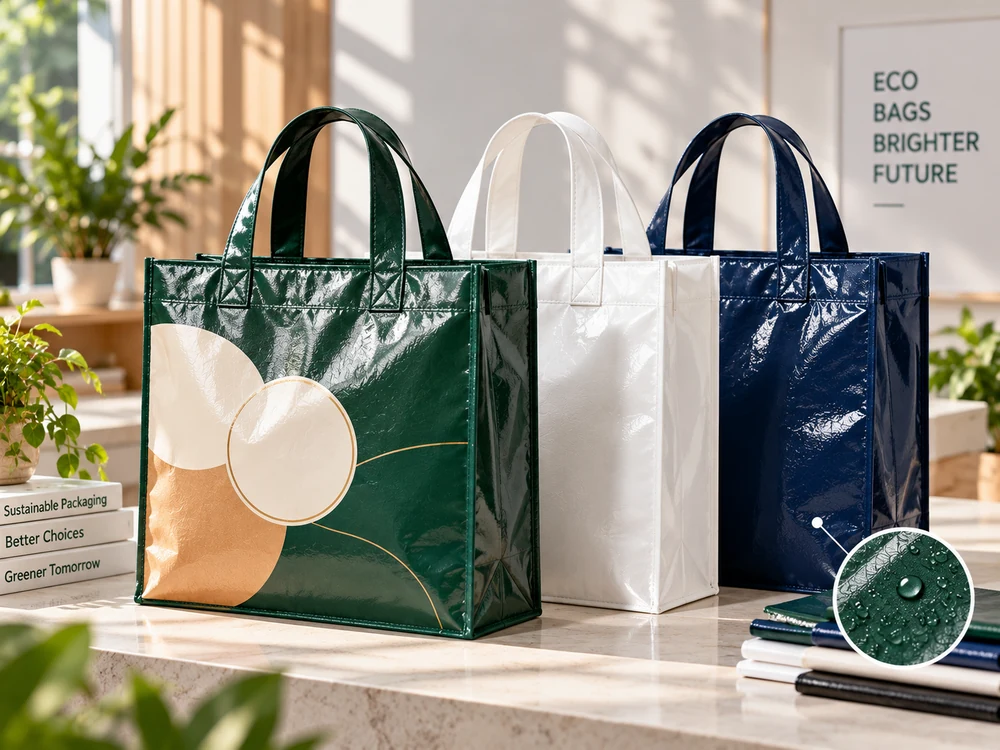
The whole design is printed onto film, and the film is laminated onto the non-woven fabric before the bag is made, so the print runs edge to edge. It suits photos, patterns and artwork that covers the whole bag, in any number of colors. Files: a high-resolution image or a PDF or AI file laid out on the full panel, with extra artwork past the edges because part of each panel goes into the seams.
What logo files do you need for tote bag printing?
Send your logo as PNG, JPG, PDF or AI through the quote form: up to 3 files, 10 MB each and 20 MB in total. SVG files are not accepted by the upload; export them to PDF first.
Vector files (PDF or AI) are best for every method: they print sharp at any size and let the colors be separated for screen printing. If you only have a PNG or JPG, send the largest, sharpest version you have; around 300 dpi at the printed size is a common guideline.
Add your Pantone colors, the print size you want and which faces of the bag to print. Not sure about any of it? Send what you have; the reply will say if anything is missing.